Accessibility and the Agentic Web: Please Give Your Buttons Names
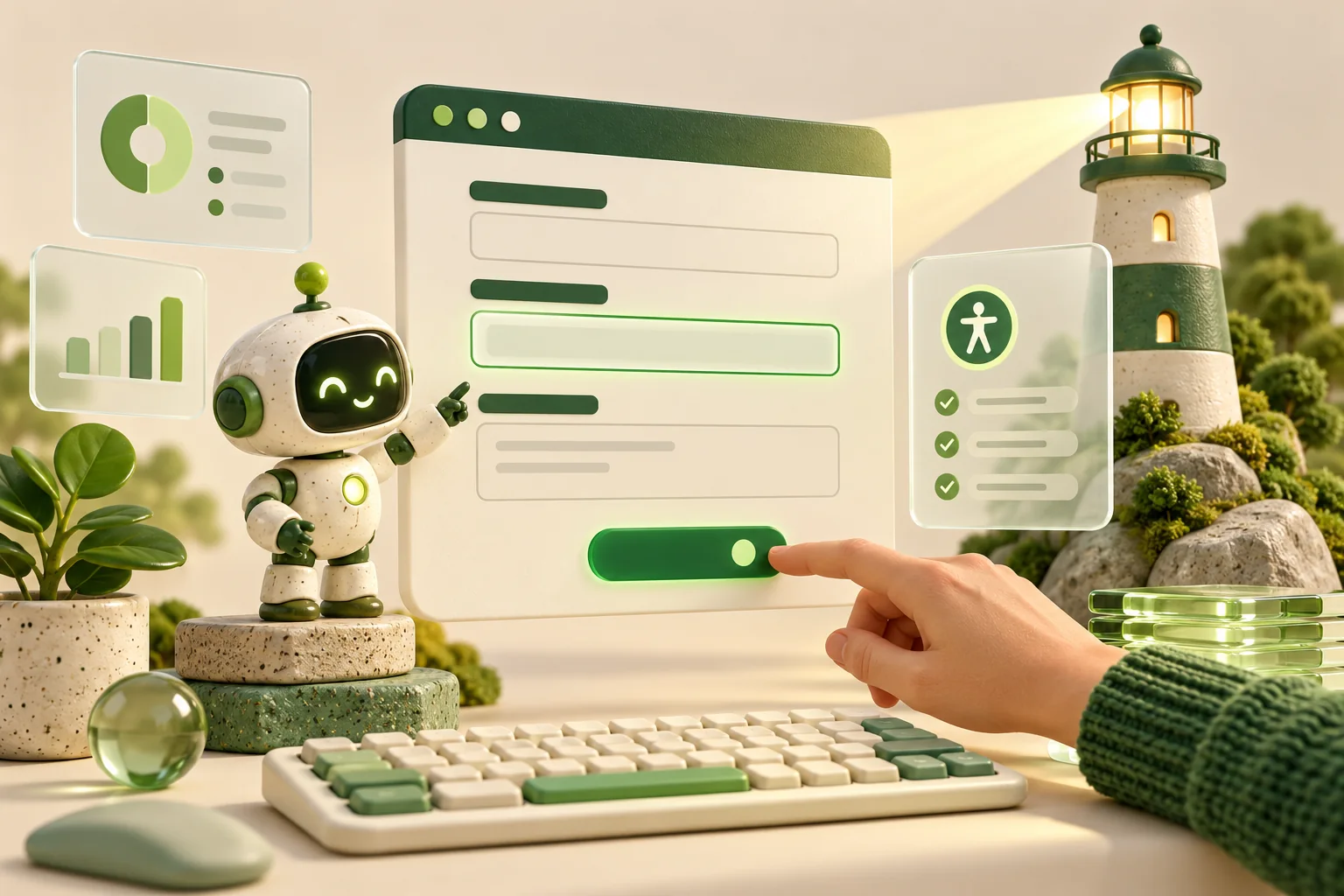
An AI agent arrives on your website to book a viewing. It encounters three mysterious icons, a disappearing placeholder and a button labelled “Go”. Congratulations: you have built an escape room.
The agentic web means software increasingly browses and acts on someone’s behalf. Accessibility can make those journeys easier to interpret. But the original reason still matters: people with disabilities deserve to use your website.
Accessibility already speaks machine
Browsers expose an accessibility tree describing elements through information such as roles, names and states. A button can be understood as a button, with a name explaining its purpose.
This is already useful to agents. Microsoft’s Playwright MCP enables browser interaction through structured accessibility snapshots. Other approaches use screenshots or combinations of signals, so there is no universal agent “eyeball”.
Clear semantics reduce ambiguity. They do not guarantee successful automation, and an agent completing checkout does not prove your site is accessible to people.
Labels: tiny words, enormous responsibilities
For a property enquiry form, “Email address” should be a visible label programmatically associated with its input. As W3C’s guidance on labelling controls explains, placeholders are not substitutes for labels.
Give each control a proper introduction
- Use native buttons, links and form controls where appropriate.
- Make actions specific: “Request a viewing” beats “Go”.
- Give icon-only buttons meaningful accessible names.
- Expose relevant states, such as whether a filter panel is expanded.
- Keep visible wording and accessible names consistent.
Use ARIA where needed, but do not sprinkle it around like SEO glitter. An aria-label does not magically add keyboard behaviour to a clickable div. Test the interaction, not just the markup.
What Lighthouse’s agentic browsing report actually tells you
Chrome documents an experimental Lighthouse Agentic Browsing category. Its documentation specifies Chrome 150 or later, with WebMCP audits requiring origin-trial registration.
The report checks signals including accessible names, tree integrity, layout stability, WebMCP integration and the presence of llms.txt. It reports a pass ratio rather than the familiar weighted 0–100 score.
Treat it as a diagnostic starting point. These deterministic checks are not evidence that every agent can complete your booking journey, nor a certificate of accessibility or search visibility.
What exists, and what might never become universal?
Some foundations are established: semantic HTML, labels and keyboard navigation. Fixing these helps people today, without waiting for an AI roadmap.
WebMCP proposes structured ways to expose website actions, through HTML forms and JavaScript tools. That could make “search available apartments” more explicit than asking an agent to decipher a complicated interface. Support still depends on the browser and agent; universal adoption is not assured.
Meanwhile, llms.txt remains a proposal for providing concise information and links for agents. It has implementations, particularly around documentation. A Lighthouse presence check does not establish that your target assistant reads it. Publishing a file and having it utilised are different things.
Some conventions may remain niche or never win broad support. Test actual consumers before treating experimental features as mandatory.
My priority list
Start with labels, keyboard access, focus visibility and understandable errors. Then test a complete enquiry journey with assistive technology and a browser agent, recording failures separately.
Experiment with emerging tools after the basics work. The future may bring cleverer agents; your customers should not need one to understand a button.